What is MCPBox?
MCPBox groups MCP servers, approved CLI operations, knowledge and Skills behind one project MCP URL. The unified application is open source under Apache-2.0; former Pro features require no activation.
Available capabilities
| Area | Purpose |
|---|---|
| Projects | Local stdio and remote HTTP servers, prompts, pause/resume and browser-local ordering. |
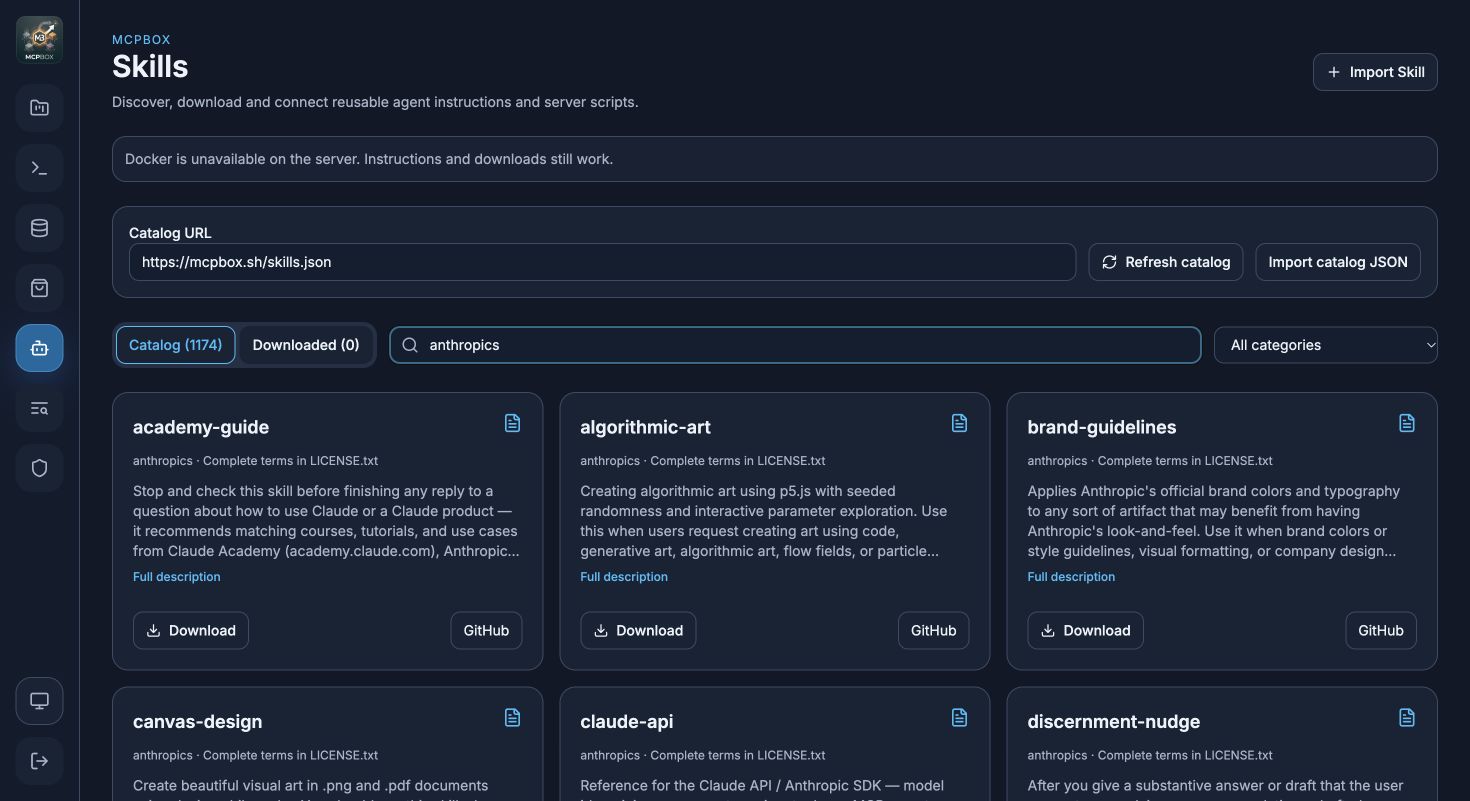
| Skills | Search/import packages, bind installed versions and read instructions/resources through MCP. |
| Script jobs | Upload inputs, execute administrator-approved scripts in prepared Docker environments and download outputs. |
| Market | Install reusable MCP integration packages and connect them to projects. |
| CLI | Allow exact operations and argument vectors of installed host programs. |
| Knowledge | Local Bleve full-text search, optional external RagBox ingestion/retrieval. |
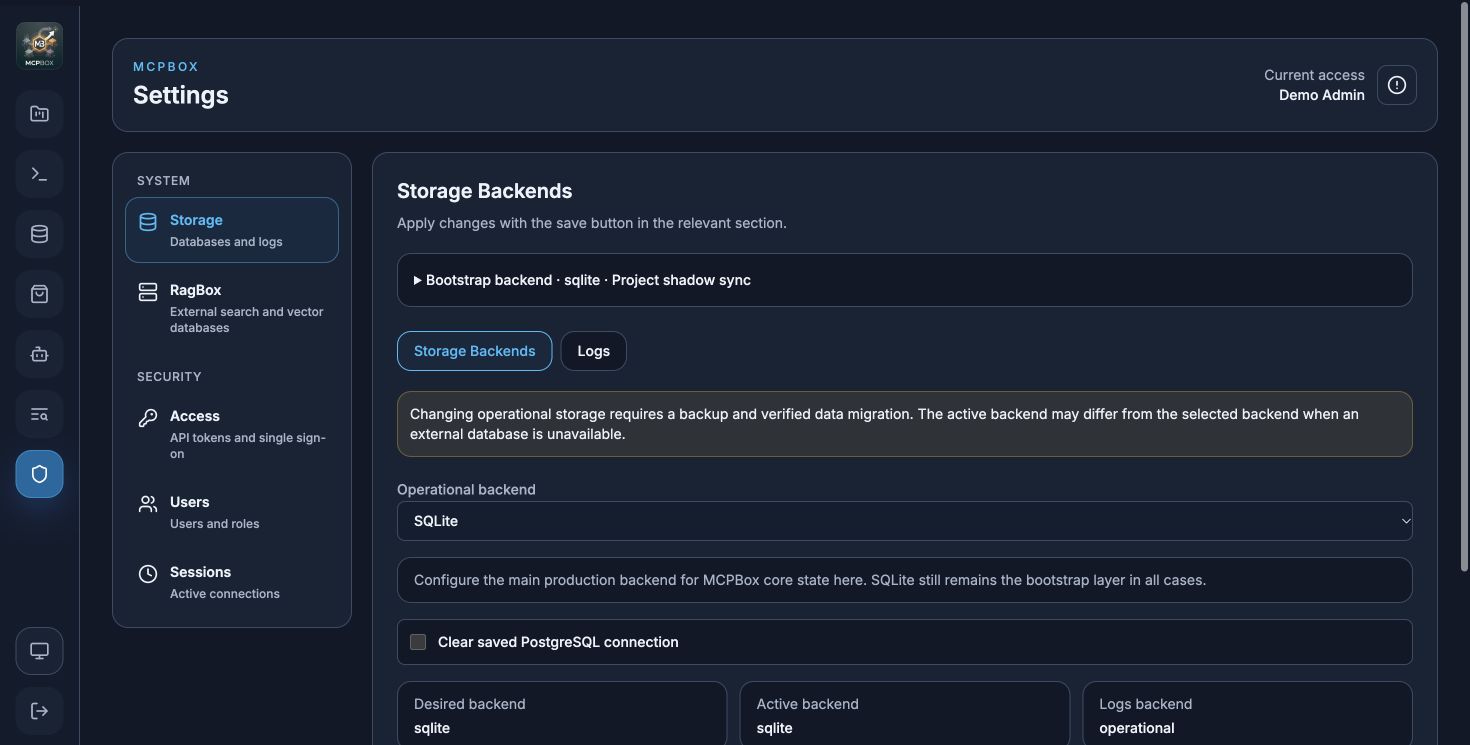
| Access | Local accounts, roles, sessions, administrative tokens, project bearer/OAuth and optional OIDC. |
| Interface | Light/Dark/System themes, grouped settings, help/search dialogs, logs and metrics. |
Both default listeners bind to 127.0.0.1: administration 38181, project MCP 38182. Copy the project URL from the interface. Admin credentials and project credentials have different purposes.
Runtimes and data
A release binary embeds the React UI and stores data beside the executable. Go and Node.js are build dependencies. Connected MCP/CLI programs have their own runtime requirements. Docker is needed only for Skills script execution, not instruction reading. RagBox runs separately and is optional; SQLite and local Bleve work without it.
PolicyBox integration was removed in v1.4.0. Affected older projects need explicit migration.
Interface
These captures use a separate demo installation of the v1.4.0 interface, without production data. Docker is unavailable there; they do not demonstrate a completed script run.
Start with installation, Skills, or client connections. See release notes for changes after v1.4.0 that require a newer build.